The Rails Scratchpad
Enjoy coding and debugging in a native macOS editor designed for fast feedback and quick iterations. It’s like the Rails console for your app — but with multi-line editing, code completion, real Active Record data, and more.
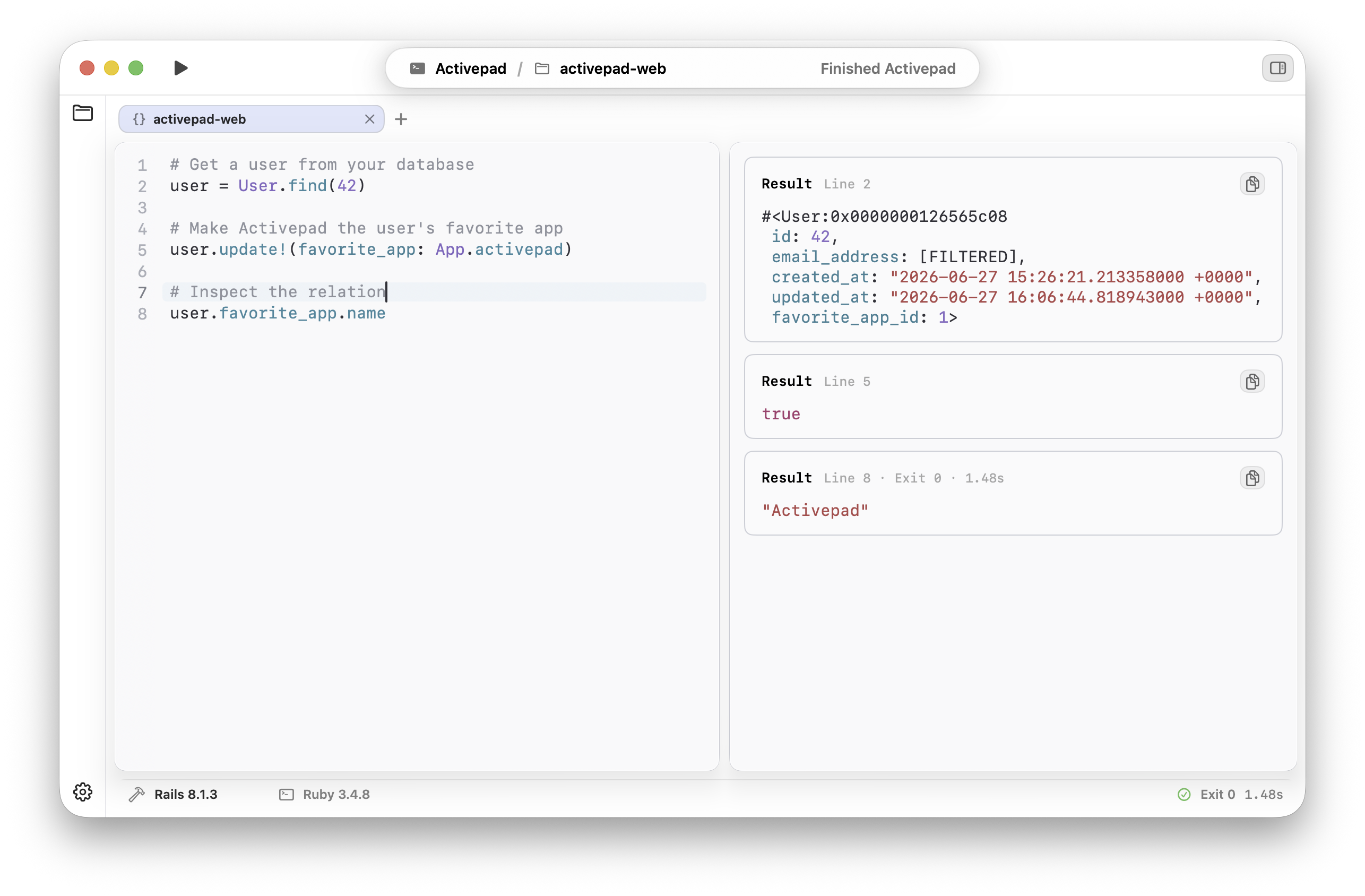
Run Ruby code on remote servers
without touching your production code or files.
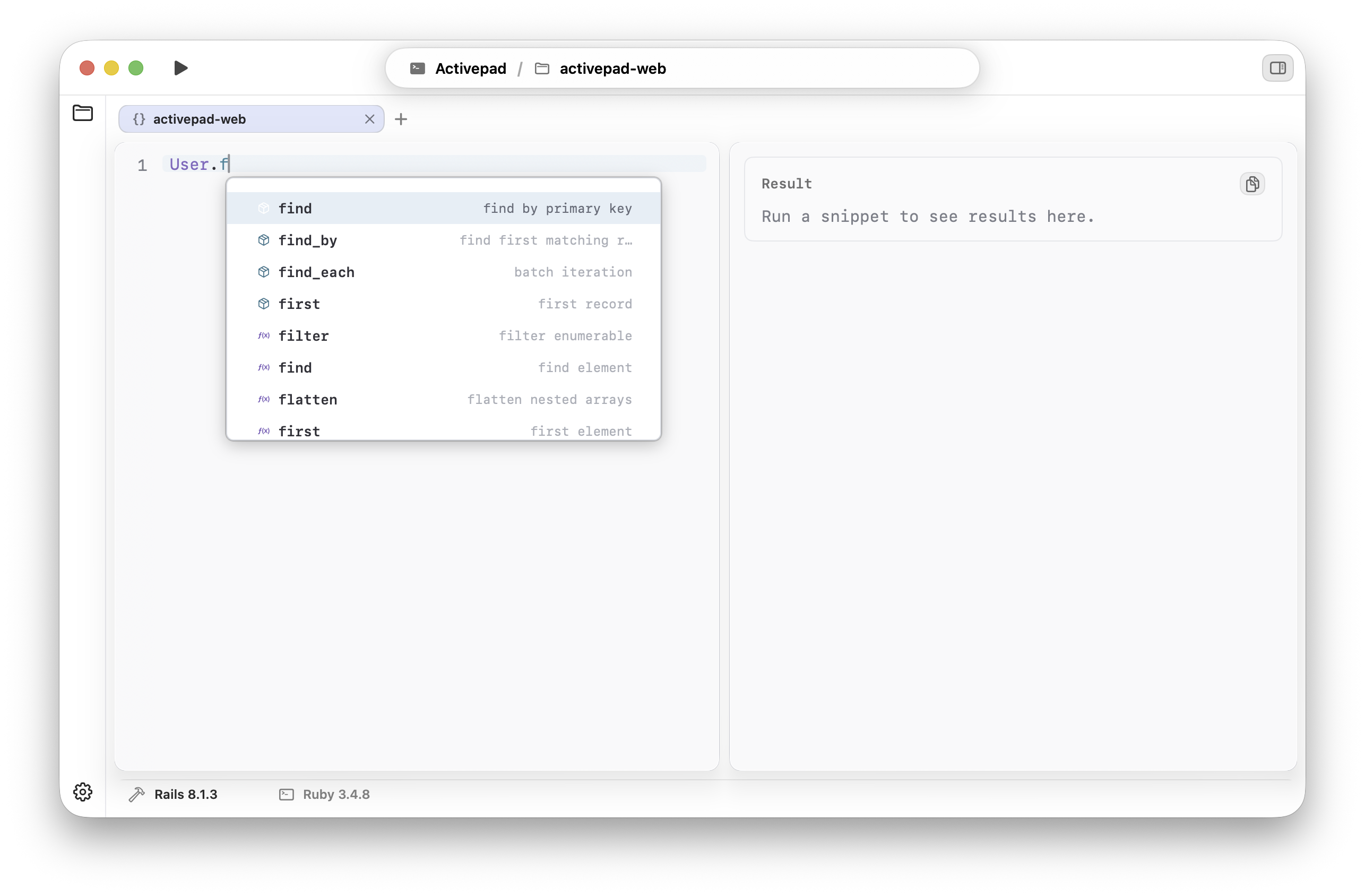
Complete Ruby without leaving the scratchpad.
Activepad keeps useful Rails and Ruby suggestions next to your code, so you can stay focused while exploring models, relations, and records.
-
1.
Open your Rails app.
Point Activepad at your local project and use the same models, gems, and database your app already has.
-
2.
Run focused Ruby snippets.
Execute one scratchpad at a time without losing the context in a long terminal session.
-
3.
Review the result.
Keep stdout, errors, and returned Ruby values visible while you iterate.
- Does Activepad replace the Rails console?
- No. It gives you a UI, multi line support, tabs and more for the Rails console.
- Does it work with local app data?
- Yes. Activepad runs Ruby through your local Rails environment, so models, relations, and database records behave like they do in your app.
- How many Macs can I use with one license?
- One license activates up to two Macs.
I build Activepad while using Activepad.
I think you'll like it as much as I do.